Key Features

Design Survey

Customization

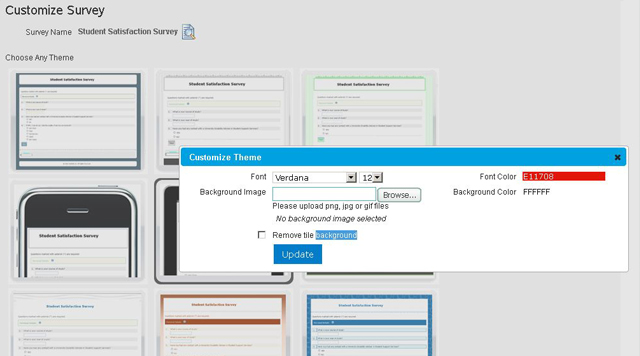
Customize your surveys using fully customizable built-in themes, background images, colour options and the font types & sizes to match up to your company’s brand image.

cutomization

Survey creation options

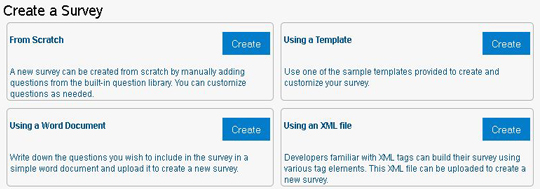
Get 4 simple ways to create surveys

Create Survey from Scratch

Create survey on your own by adding various question types, logics, options and more.

Using custom templates

Create survey using existing custom templates.

Using Word

Create survey using a word document. Simply copy and paste the content from word document.

Using XML file

Upload .xml documents to create instant surveys.

create-survey
questions-lib

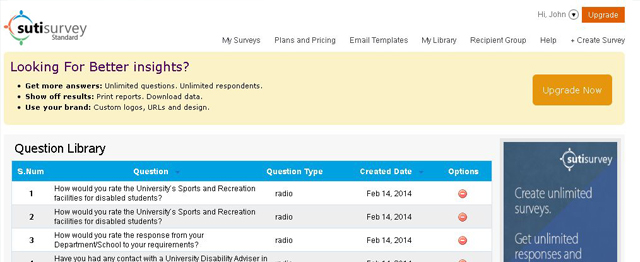
Question Library

Create frequently used survey questions and add to the question library for future use.

Question Types

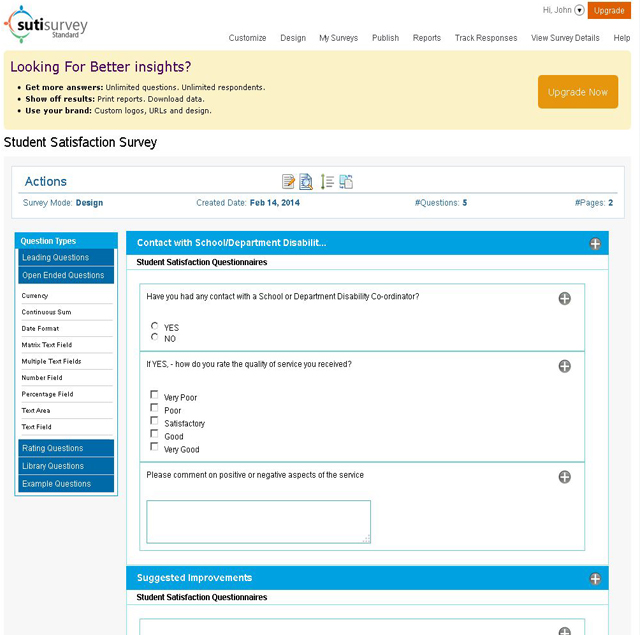
Get answers you need by posing right questions. Use different built-in question types with customization option while adding questions to your survey. You can customize your own questions and add any number of questions to your survey.

Questions in the survey can be set as mandatory depending on their importance.

Re-order Questions & Pages

Drag and drop interface to reorder questions on a page and pages in the survey.

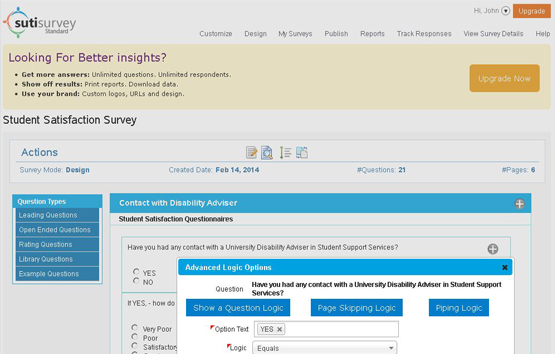
Survey Logic

Piping Logic

It allows you to repeat previously collected data later in the survey. Once a question is answered on a page, the same answer can be used in framing the next question or as an answer option for the next questions.

This logic is applicable to all question types except image type questions.

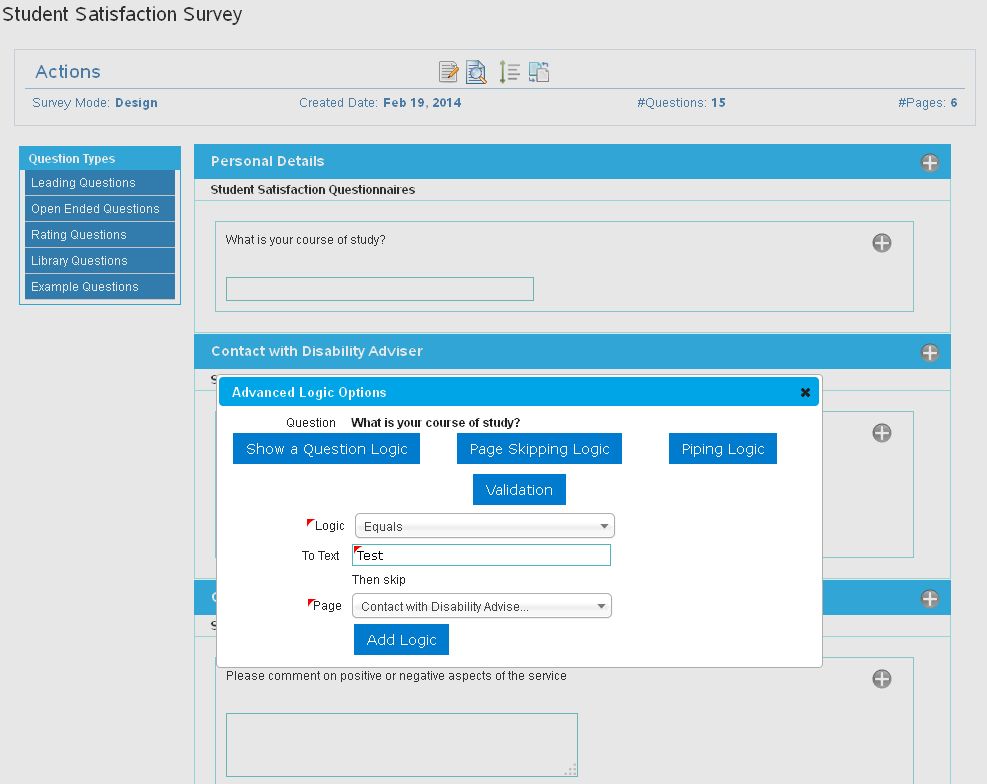
Skip Logic (Page jumping)

Logic can be set for questions and pages in a survey for recipients to jump from current page to a specific page based on the previous answers. It allows recipients to automatically skip over trivial questions.

survey-logic
branching

Advanced Branching and Jumping

Show/Hide option allows you to show or hide a question/page based on the answer to previous question. You can hide certain questions that may not pertain to you until a specific answer option is chosen.

recipients-grp

Recipients Group

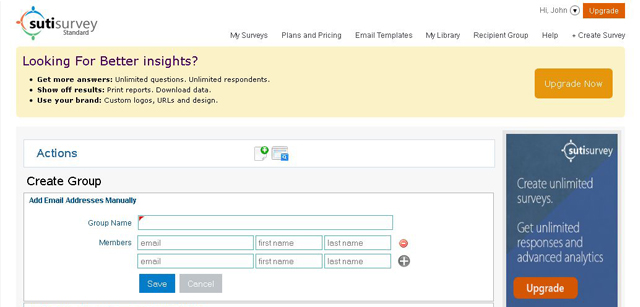
Recipients of surveys can be grouped together and surveys can be sent to all of them by a single click. Recipients can be added manually or easily imported from a CSV file. Also, an option to add recipients by importing contacts from Salesforce, Gmail and Yahoo accounts.

You can create any number of recipient groups and recipients for a survey.

multi-page-survey

Multi-page Surveys

Your survey can include any of pages. You can add pages to a survey using the insert page and copy page options.

Settings

Validations

The minimum and maximum length of text fields can be customized to suit your requirements.

Type Conversion

Matrix fields can anytime be converted from one type to another when required.

Set Expiry Date

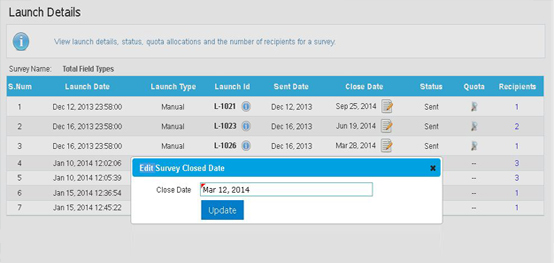
During survey creation, the closed date of a survey will be set 15 days by default.Users can now extend the closed date of a survey ahead of earlier defined closed date.

settings

Custom Email Templates

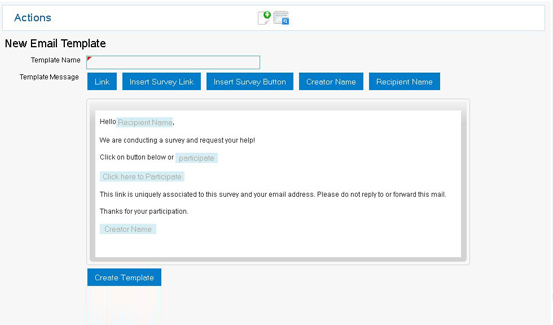
SutiSurvey provides built-in templates for faster survey creation. You can also customize your own Email template with links, survey buttons, email content and recipients.

Customized email template can be used while creating a survey.

custom-template

Publish and Collect

Survey Library

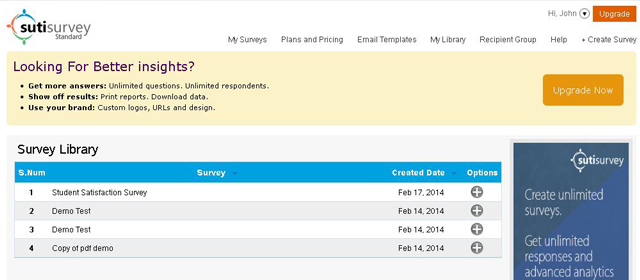
Add Surveys to the library and send to different set of recipients any time. Simply add recipients and publish the survey.

survey-lib

Launch Surveys

Surveys can be launched immediately or scheduled to launch on a specific date. They can be published as a widget on your website or on your face book wall.

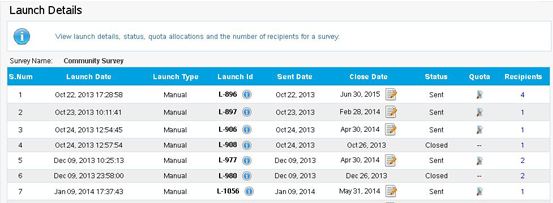
Before launching, you can select related notifications you wish to send. Details of surveys launched can be viewed later.

Preview Survey

You can preview surveys before sending them to recipients and check how the survey will appear to its recipients.

Re Launch Surveys

Surveys once published can later be re-launched to send to a different group of recipients.

launch-details

Integrations

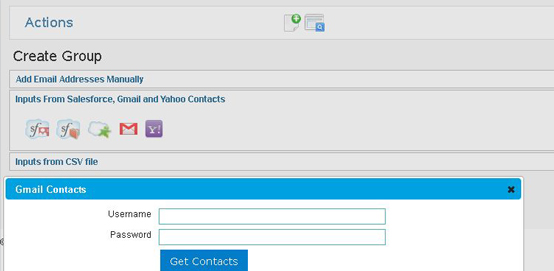
SutiSurvey has been integrated with Salesforce, Gmail and Yahoo for users to import existing contacts from their accounts and add them as survey recipients.

Once a survey has been created, it can be shared with other recipients by adding contacts manually or importing from any of the integrated sources.

integrations

Response for Surveys

Recipients can participate in a survey by clicking on the link provided in the email invitation or link posted on their face book wall; or from widget published on the website.

Re-enter Response

Response for a survey can be re-entered until your launched survey is open.

survey-response

Saved Searches

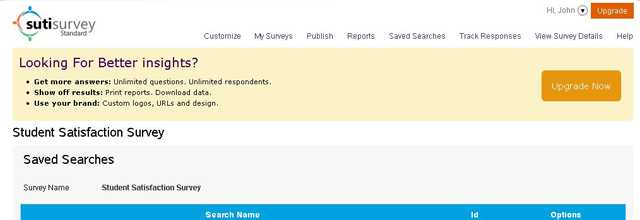
Various search criteria selected and corresponding results obtained can be saved for future use. You can view the saved searches of a survey anytime.

save-searches

Reporting and Analysis

Reports

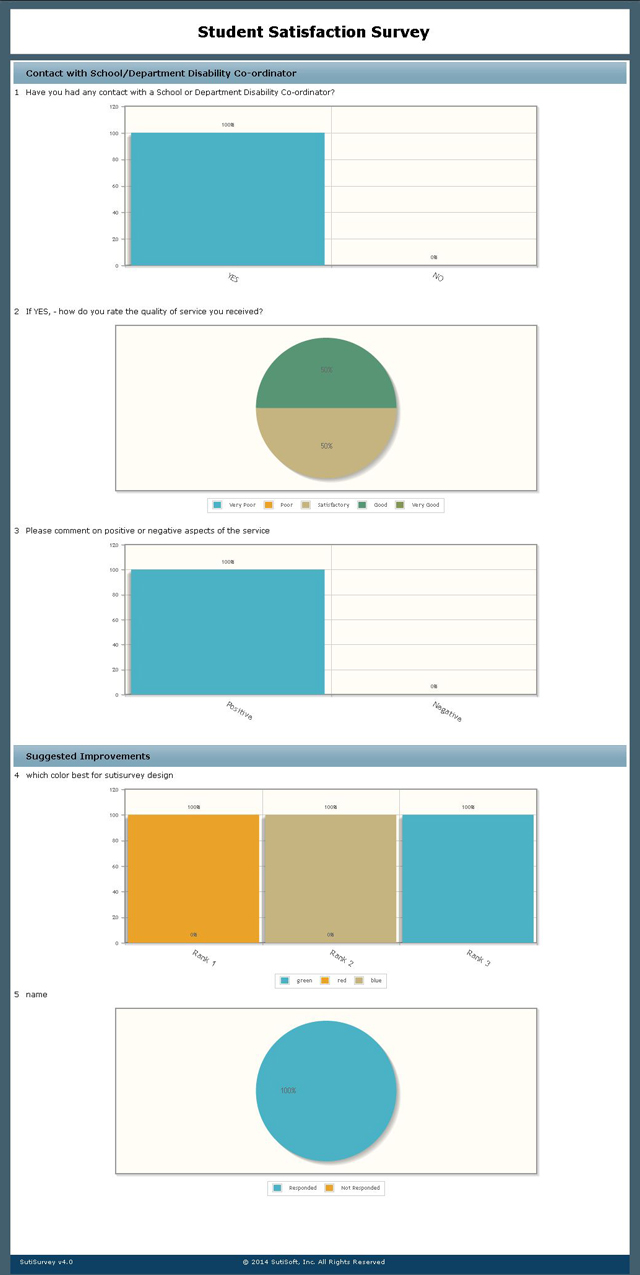
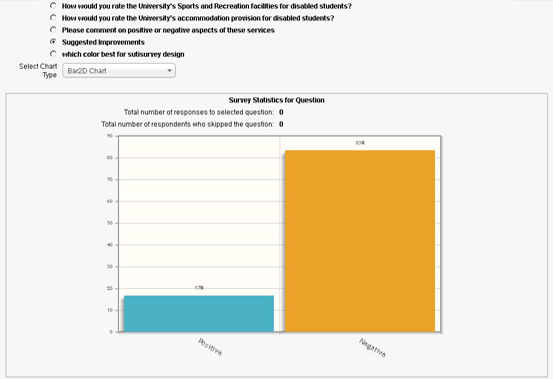
Gain clear insights with real-time responses for the launched surveys. View responses in the form of Bar2D, Pie2D, Doughnut2D and Funnel2D charts.

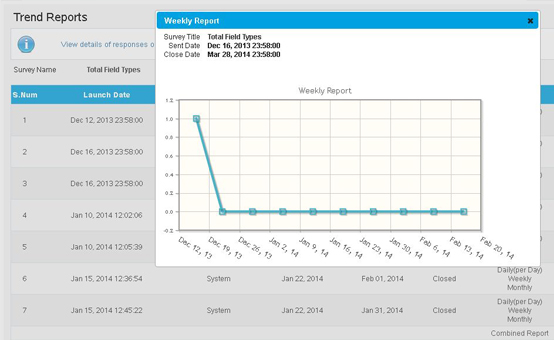
View daily, weekly and monthly trend of survey responses from the date of launch to closing date.

reports

Trend Reports

View daily, weekly and monthly trend of survey responses from the date of launch to closing date.

trend-report

Custom Reports

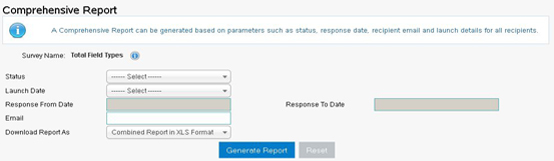
Generate custom reports based on parameters like status of a survey, responded date, email of the recipients and advanced options. Export details of one/all search results in .xls, .pdf, .csv and .tsv file formats; email as attachment and view in table format.

custom-report

©

2025

SutiSoft, Inc. All Rights Reserved

Welcome to SutiSurvey!
How can I help you?