HR departments are responsible for managing high-stakes documentation that impacts employment decisions, compensation accuracy, legal compliance, and overall workforce experience. Yet many organizations still rely on manual processes, paper forms, emailed attachments, physical signatures, or spreadsheets to move documents through the organization. These outdated methods introduce human error, create bottlenecks, and make it difficult for HR to maintain consistency or prove compliance during audits.
Digital workflows solve these challenges by replacing fragmented, manual processes with structured, automated sequences that guide each document through its lifecycle. Through automation, HR gains visibility, control, and speed, while employees experience faster, more transparent interactions with HR.
Key Takeaways HR Document
- Workflow automation eliminates bottlenecks and supports consistent HR processes across distributed teams.
- E-signatures, digital routing, and automated reminders significantly reduce turnaround times.
- Automated workflows enforce compliance requirements and ensure every action is traceable and auditable.
The Foundation of Automated HR Workflows
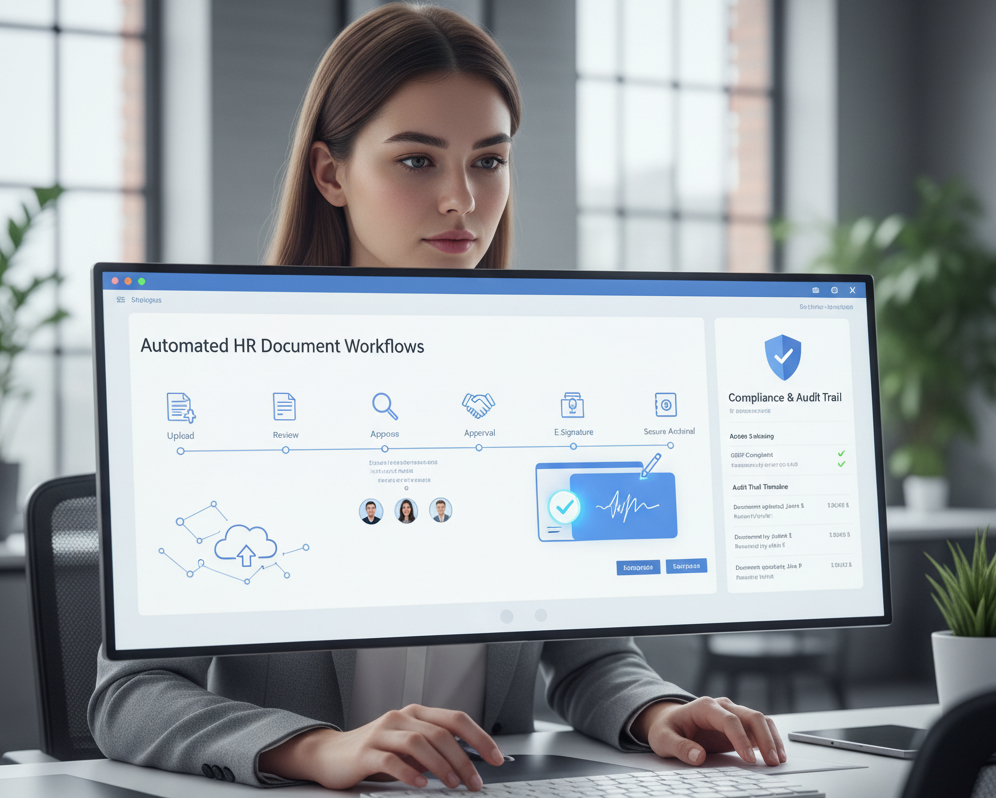
Digital workflows bring order, predictability, and compliance into HR operations by creating repeatable processes for document intake, routing, approvals, and archival. When designed properly, they reduce cognitive load on HR staff, free managers from administrative tasks, and create a reliable record of exactly how each document moved through the organization.
Key Takeaways
- Automated intake structures document submission and ensure metadata accuracy.
- E-signatures accelerate processes while preserving legal validity.
- Automated archival protects files and ensures compliance with regulatory retention rules.
Standardized Document Intake
The intake stage sets the tone for the entire document lifecycle. Automated systems require documents to be submitted with consistent metadata and classification tags, reducing the risk of misfiled or incomplete documents entering the workflow. For onboarding, this may include automatically requesting I-9 documents, policy acknowledgments, tax forms, or signatures on the offer letter. For performance management cycles, standardized intake ensures all reviews include required fields and follow the correct format.
This level of structure eliminates guesswork and reduces the support burden typically placed on HR to correct errors or chase incomplete submissions.
Routing, Approvals & E-Signatures
Routing is one of the most valuable elements of digital workflow automation. Rather than relying on emailed requests or manual reminders, documents flow automatically through predefined approval paths. Conditional routing can also adapt based on document type, department, seniority level, or compliance requirements.
E-signatures add further efficiency by replacing the delays associated with printing, scanning, or mailing documents. These signatures carry legal weight and generate their own audit trails, making them suitable for offer letters, contracts, policy updates, performance reviews, and disciplinary actions.
Automated reminders ensure nothing stalls; if a manager forgets to approve a request, the workflow escalates or re-notifies automatically.
Automated Archival & Retention Triggers
Once a workflow is complete, modern HR systems automatically store the finalized document in the correct location. They apply retention schedules aligned with legal regulations such as IRS documentation requirements, FMLA guidelines, OSHA mandates, or GDPR rules.
Automation eliminates the risk of:
- Retaining documents longer than allowed
- Deleting files prematurely
- Storing sensitive information in the wrong location
- Misplacing documents needed for litigation or audits
With automated retention and archival, HR leaders know their documentation is consistently stored, protected, and audit-ready.
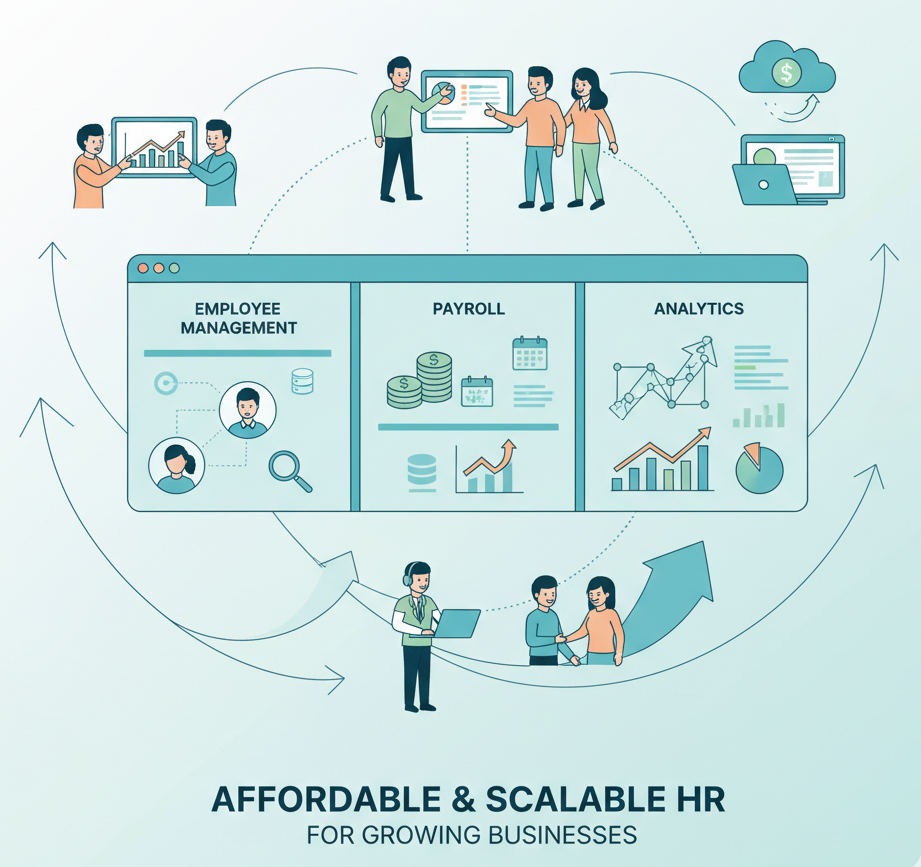
Need an Affordable HR Solution for Your Business?
SutiHR offers scalable tools designed for growing companies.
Boosting Efficiency Through Workflow Intelligence
Digital workflows do more than streamline tasks; they create intelligence. By analyzing workflow performance, HR teams can identify patterns, adjust processes, and make data-driven decisions that strengthen organizational performance.
Key Takeaways
- Workflow analytics expose inefficiencies and help HR optimize processes.
- Unified workflows improve cross-functional collaboration.
- Self-service capabilities improve employee autonomy and reduce administrative burden.
Identifying Process Delays
Even with well-designed workflows, HR teams often encounter recurring obstacles that slow down document completion. Identifying these bottlenecks is the first step toward eliminating them:
- Manager Review Delays
- Approvals frequently stall when managers are busy or unaware of pending tasks. Without automated reminders or escalation rules, documents can sit idle for days.
- Incomplete or Incorrect Submissions
- Employees may submit forms missing required fields, signatures, or attachments. This forces HR to chase corrections, adding unnecessary cycles to the process.
- Legal & Compliance Reviews
- Contracts and sensitive documents often require legal oversight. Extended review times or unclear approval paths can create significant slowdowns.
- Overly Complex Approval Chains
- Workflows that require multiple sequential sign-offs across departments can drag out completion times. Each additional step increases the risk of delay.
- Lack of Visibility
- When stakeholders can’t see where a document is in the process, they may duplicate efforts, send repeated inquiries, or miss their responsibilities altogether.
Enhancement Tips
- Use conditional routing to skip unnecessary approvals.
- Implement automated reminders and escalations to keep managers accountable.
- Standardize intake forms with mandatory fields to reduce incomplete submissions.
- Apply workflow analytics to spot recurring delays and redesign approval paths.
- Provide real-time dashboards so stakeholders always know the document’s status.
Improving Collaboration Across Teams
Digital workflows unite HR, payroll, legal, IT, and department heads on a single platform. Instead of emailing documents back and forth or storing multiple versions in different systems, everyone accesses the same file, in the same format, with the same metadata. This improves accuracy, reduces duplication, and ensures every stakeholder is working from a single source of truth.
Enhancing Employee Experience
Automated workflows often integrate with employee self-service portals. Employees can:
- Upload documentation
- Sign forms digitally
- Review past documents
- Complete onboarding tasks
- View pay, benefits, and compliance documents
This self-serve capability not only speeds up processes but empowers employees to take ownership of their HR interactions without waiting for manual intervention.
Ensuring Compliance with Automated Processes
One of the most significant advantages of automated workflows is their ability to enforce compliance. Every required step, such as a manager review, HR approval, legal verification, or employee signature, is built into the workflow and cannot be skipped.
Systems also document who viewed, edited, approved, or rejected a document, providing airtight audit trails that strengthen legal defensibility. Automated workflows also support compliance with regulations such as FLSA, FMLA, OSHA, HIPAA, GDPR, and local labor laws by applying consistent handling rules, retention schedules, and access controls.
This transformation moves HR compliance from a reactive function to a proactive safeguard.
Conclusion
Digital HR workflows are more than a technological upgrade; they are a strategic necessity. By replacing manual processes with automated, intelligence-driven workflows, HR teams improve accuracy, accelerate approvals, strengthen compliance, and enhance employee experience. Automation allows organizations to scale confidently, ensuring every document follows the correct path, meets legal requirements, and remains audit-ready. As businesses continue evolving toward remote work, global teams, and complex regulatory environments, digital document workflows provide the structure and reliability needed to support long-term operational excellence.
FAQs
Digital workflows eliminate repetitive tasks such as emailing documents, tracking down signatures, verifying completeness, and manually filing records. HR teams can redirect time toward employee support, workforce planning, and strategic initiatives.
Yes. Modern HR workflow systems support conditional routing based on employee role, location, document type, seniority, or compliance requirements. This ensures that each document receives the appropriate review without manual intervention.
Absolutely. Workflow platforms use encryption, role-based permissions, audit trails, and secure cloud storage to protect sensitive data. This security structure aligns with standards required for financial records, medical information, and legal documents.
Because every action is timestamped and recorded, digital workflows create comprehensive audit trails. HR can quickly produce the complete history of a document—including approvals, edits, and retention actions—reducing the time and risk associated with audits.
Resistance often reflects uncertainty rather than inability. Organizations can improve adoption through training, clear communication, simplified interfaces, and demonstrating “quick wins” that show how automation reduces frustration and workload.

Sarah Monreal is an HR professional with over 10 years of experience spanning small businesses to enterprise environments. She has led People Operations as an HR Specialist, HR Manager, and Director of HR. She has successfully overseen multiple HR systems implementations, guiding organizations through vendor selection, process mapping, data migration, configuration, and change management to ensure successful adoption and measurable ROI.
Sarah holds MBAs in Human Resources Management and in Arbitration & Dispute Resolution, and completed all but dissertation toward a PhD in HR Management.
Before beginning her HR career, Sarah served four years in the United States Navy and was honorably discharged.