Most small businesses are sitting on more data than ever — sales figures, customer behavior, website traffic, and inventory levels. And yet, decisions still get made on gut feel.
It’s not a data problem. It’s a tool problem.
The analytics software that works brilliantly for a 500-person enterprise often overwhelms a 20-person SMB. It’s expensive, complex to set up, and requires a dedicated data analyst just to pull a weekly report. So the data goes unused, and the spreadsheets stay.
The good news: there’s a category of business analytics software for SMBs built specifically for businesses like yours. Choosing the right one doesn’t require a technical background — it just requires knowing what to look for. If you’re new to business analytics entirely, start with our complete guide to business analytics for SMBs first — then come back here to pick your tool.
Why the Wrong Analytics Tool Costs SMBs More Than They Realize
Picking the wrong tool isn’t just a minor inconvenience. It’s an ongoing cost.
Studies show that poor data quality costs businesses an average of $12.9 million per year — and for SMBs, even a fraction of that can be crippling. Beyond hard costs, the wrong tool leads to low adoption (your team stops using it within weeks), data silos (sales and finance working off different numbers), and decision paralysis (too many dashboards, not enough clarity).
The most common mistake SMBs make is buying for features they’ll never use. Enterprise platforms dazzle with capabilities — predictive AI, multi-region deployments, custom data lakes — but if you just need a clean dashboard showing revenue by product line and customer churn rate, all that complexity gets in your way.
The right analytics tool should make your business easier to run, not harder.
What SMBs Should Look for in Analytics Software.
1. Ease of use — for non-technical teams
Your marketing manager, your operations lead, your sales director — none of them are data scientists. The tool your team will actually use is the one they can navigate without a training course.
Look for drag-and-drop report builders, pre-built dashboard templates, and clean visual interfaces. If the demo takes more than 30 minutes to understand, that’s a signal. The best SMB analytics tools are designed so that anyone on your team can pull a report on a Tuesday afternoon without having to file a request with IT.
2. Transparent, SMB-friendly pricing
Enterprise analytics platforms are priced for enterprise budgets. To put it in perspective, Tableau’s enterprise contracts typically run $50,000–$200,000+ annually, Power BI Premium capacity licensing starts at $4,995/month, and platforms like Qlik Sense routinely land in the $70,000–$150,000/year range. Full deployments also incur implementation costs, training fees, and add-on connectors.
Pricing figures are based on publicly available information as of [Month Year] and may vary. We recommend verifying current pricing directly on each vendor’s website.
For an SMB, that level of commitment makes no sense before you’ve validated that the tool fits your team. Look for tools with flat-rate or per-seat pricing, a clear breakdown of what’s included, and a free trial or demo that lets you test before you commit.
3. Integration with the tools you already use
Your analytics platform is only as good as the data flowing into it. Before evaluating any tool, list your existing software stack — your CRM, your accounting system, your e-commerce platform, your marketing tools.
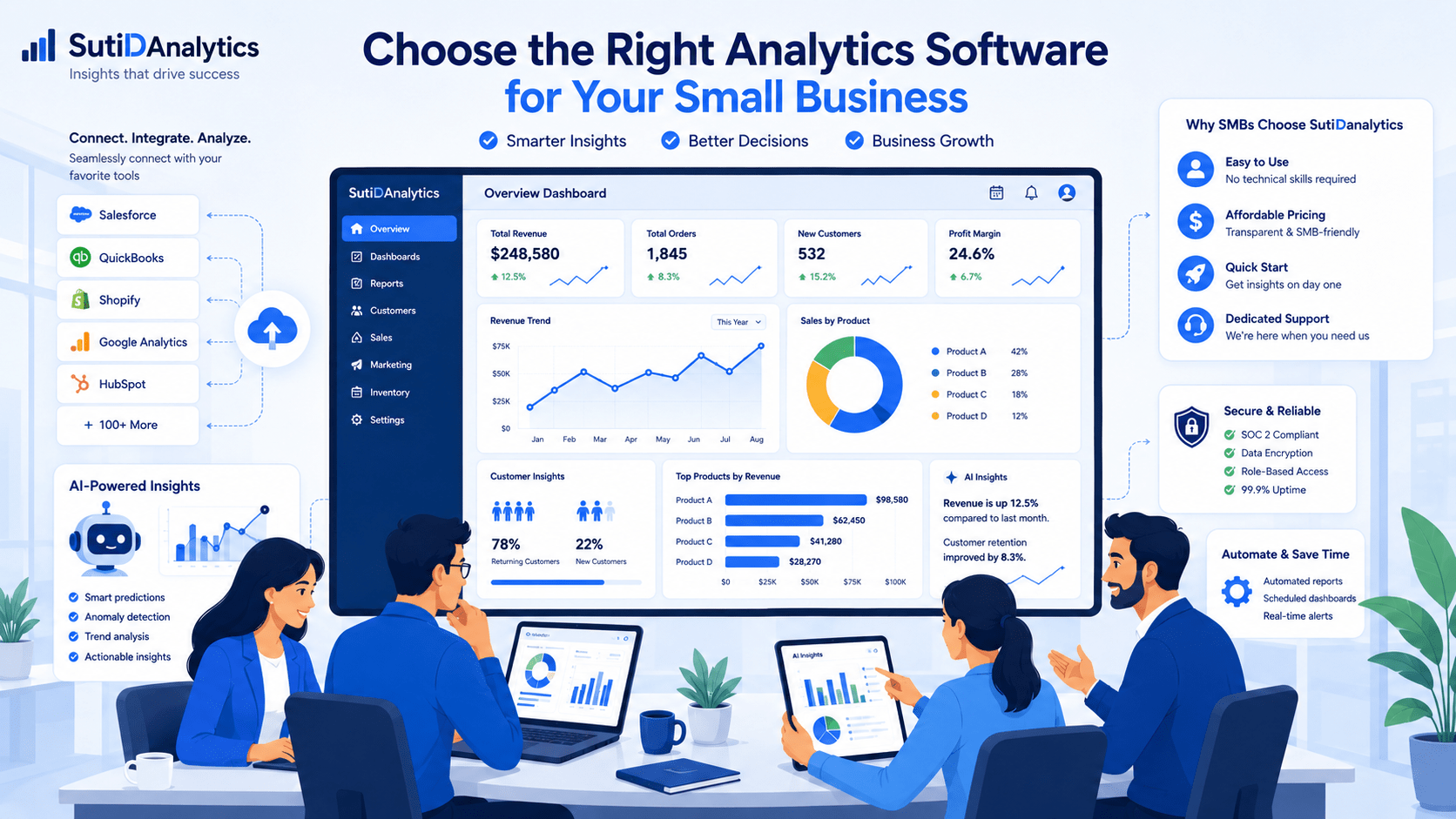
The right analytics software should connect to those systems without requiring a developer. Pre-built connectors for platforms like Salesforce, QuickBooks, Shopify, and Google Analytics are a strong indicator that the tool was built with SMBs in mind.
4. Reporting depth that matches your actual needs
More dashboards don’t mean better insights. What matters is whether the reporting capabilities match the decisions you need to make.
Ask yourself: Do I need daily operational reports or monthly strategic reviews? Do I need to track individual sales performance or aggregate revenue trends? Do I need to share reports with clients externally or only with my team internally? The answers will tell you how much reporting depth you actually need — and help you avoid paying for capabilities that will never leave the default settings.
5. Reliable support when you need it
When you’re a small team, you can’t afford to wait 48 hours for a support ticket response. Look for platforms that offer live chat, phone support, or a dedicated onboarding contact — especially during the first 90 days when adoption is make-or-break.
Check reviews on G2 or Capterra specifically for comments about customer support responsiveness. A platform with strong features but poor support will frustrate your team and quietly kill adoption.
6. Data security you can trust
Your analytics platform will hold sensitive business data. Check that any tool you consider offers data encryption, role-based access controls, and clear policies on data ownership. For most SMBs, a SOC 2-compliant platform is the baseline to look for.
Red Flags to Watch Out for When Evaluating Analytics Tools
Not every platform will tell you upfront that it’s the wrong fit for your business. Here are the warning signs to look for:
- Pricing hidden behind a sales call. If you can’t find a pricing page on the website, assume it’s not in your budget. Platforms built for SMBs are transparent about cost.
- Onboarding is measured in weeks, not hours. If the implementation timeline requires a project plan, you’re likely looking at enterprise software. SMB-friendly tools should be usable within a day or two.
- No free trial or proof of concept. Any credible analytics platform will let you test drive before you buy. If they won’t, that’s a red flag.
- Poor mobile experience. If you’re checking performance numbers on the go — which most SMB owners are — the tool needs to work properly on a phone or tablet. A clunky mobile experience means your team won’t use it consistently.
- User reviews from companies 10× your size. If the case studies on their website feature companies with 1,000+ employees, their “SMB plan” is likely an enterprise product with a lower price tag — not a tool designed for how you work.
Questions to Ask Before You Commit to a Platform
Before signing up for any analytics tool, run through these four questions:
1. Can our team use it without dedicated training?
Ask for a 15-minute self-guided trial before any sales demo. If your team can’t figure out the basics independently, they won’t use it.
2. Does it connect to our existing software stack?
Get a specific list of native integrations — not “we can connect to anything via API.” APIs require developers. Native connectors don’t.
3. What does the support experience look like in the first 90 days?
Ask the sales team directly: What support is included in our plan? Is there an onboarding call? Is there live chat? What’s the average response time?
4. What happens to our data if we cancel?
This is rarely asked and almost always important. Understand your data export rights before you sign anything.
Why SMBs Choose SutiDanalytics
SutiDanalytics is built around how small and mid-size businesses actually work — not how enterprise IT departments do.
- No technical setup required. Connect your existing tools, choose from pre-built dashboard templates, and start seeing insights on day one.
- Transparent, predictable pricing. Flat-rate plans designed for SMB budgets, with no surprise charges as your data grows.
- Dedicated onboarding support. Every account includes guided setup so your team is productive from the start — not figuring things out six weeks later.
The goal isn’t to give you the most features. It’s to give you the right insights to make better decisions, faster.
Make the Decision with Confidence
Choosing analytics software doesn’t have to be complicated. Start with your real needs — the decisions you want to make better — and work backward to the tool that supports them. Look for ease of use, honest pricing, strong integrations, and support that actually responds.
Avoid the trap of over-buying. The best analytics tool for your SMB is the one your team will open every morning — not the one with the longest feature list.
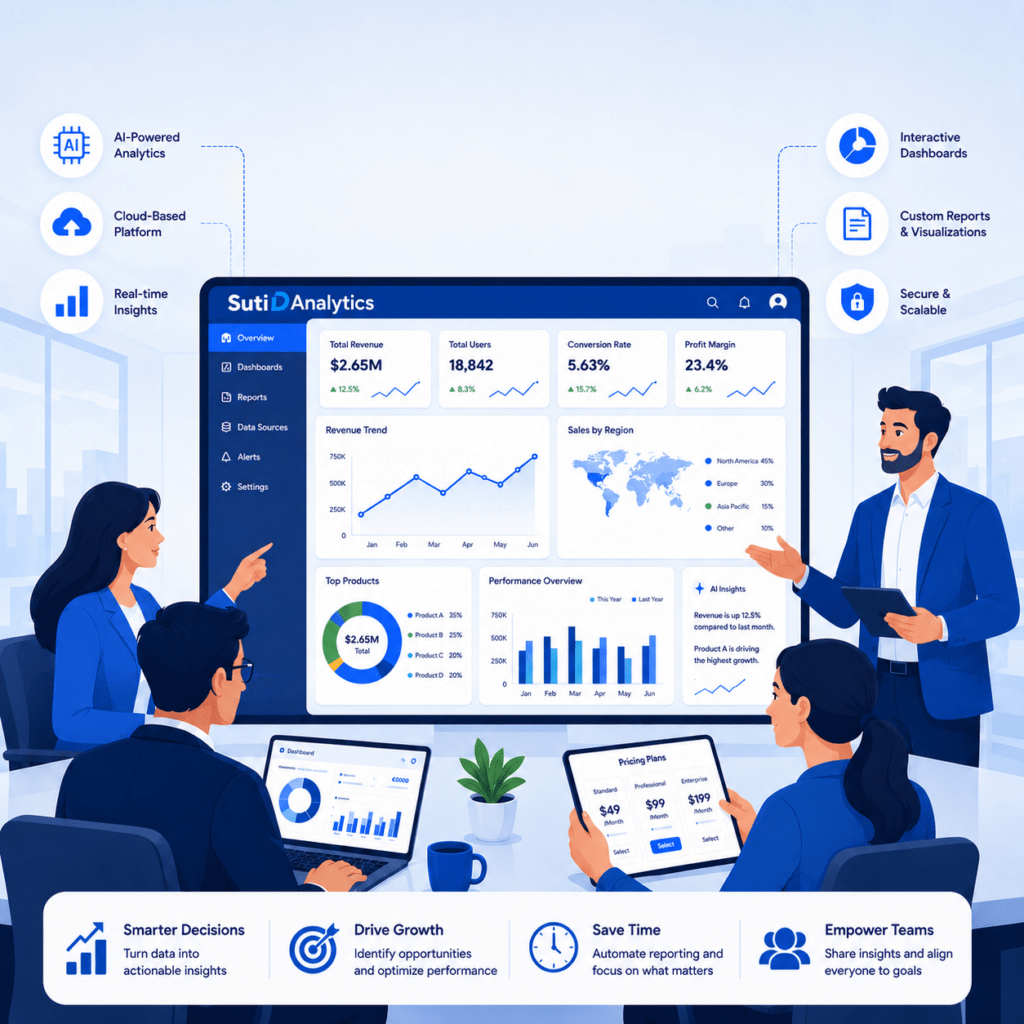
Ready to see how SutiDanalytics fits your business?