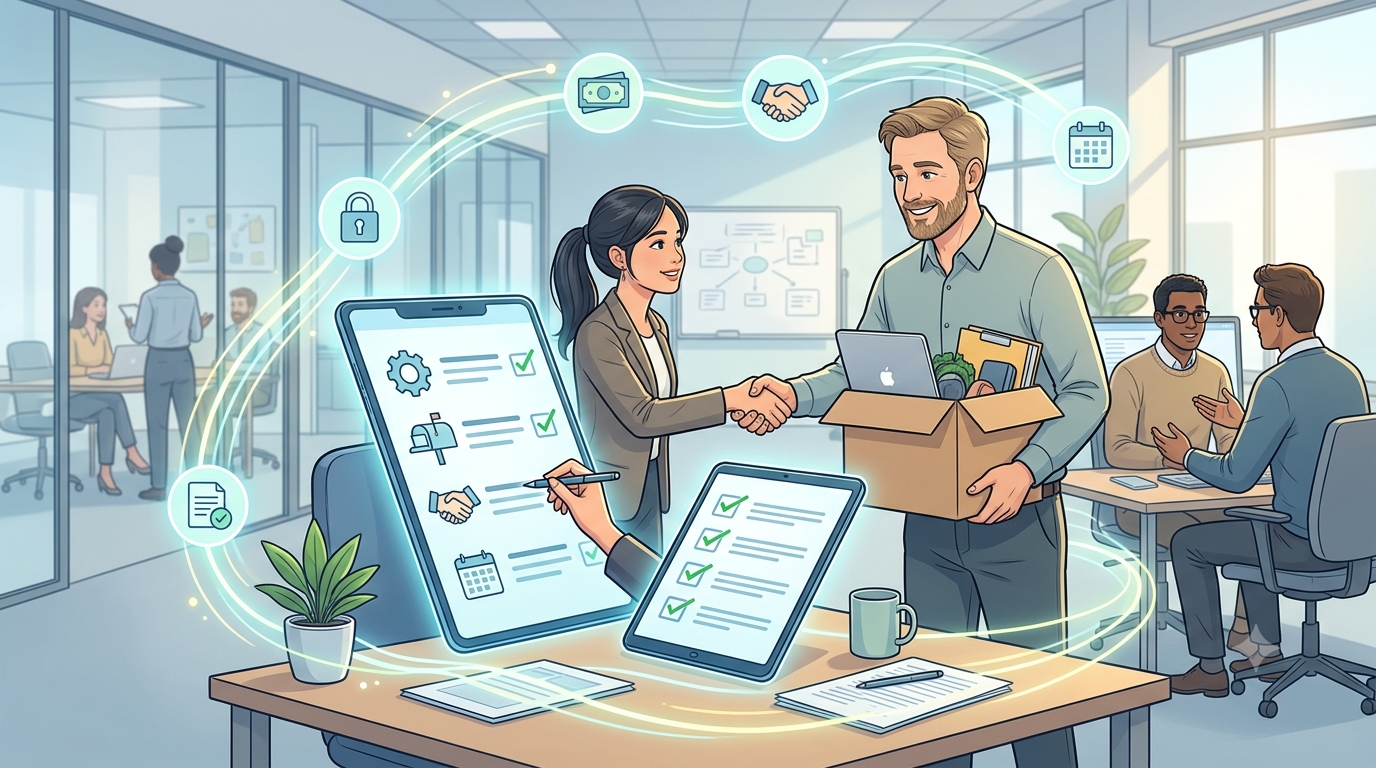
Employee offboarding is more than collecting a laptop and completing final payroll. When an employee leaves, HR may need to coordinate with managers, IT, finance, payroll, and the employee to complete several tasks before the exit is officially closed.
When these activities are managed through emails, spreadsheets, and manual reminders, it becomes easy to miss a step. A structured employee offboarding process gives HR teams a clear way to manage responsibilities while keeping employee information accurate and up to date.
Intelligent HR software can make this process easier by bringing employee records, workflows, approvals, documents, and notifications together. Automation and smart workflows can reduce routine follow-ups and help HR teams manage the workforce more efficiently.
What Is Employee Offboarding?
Employee offboarding is the process of managing an employee’s exit from an organization. It covers the activities that take place from the time an employee’s departure is confirmed until the required HR, payroll, administrative, and operational tasks are completed.
Depending on the organization, the process may include confirming the last working day, completing exit documents, transferring responsibilities, collecting company assets, updating employee records, reviewing system access, processing final payments, and conducting an exit interview.
Because offboarding is the final stage of the employee lifecycle, it should be handled with the same consistency as hiring and onboarding.
A defined process also gives HR teams visibility into completed and pending tasks without relying on separate emails or spreadsheets.
Why Is a Structured Offboarding Process Important?
Employee exits often involve multiple departments. HR may manage the employee record while the manager handles knowledge transfer, IT manages system access, and finance or payroll completes financial activities.
Without a common process, these activities can become disconnected.
A structured approach helps HR teams create a consistent experience while allowing specific steps to vary based on the employee’s role, department, location, or type of separation.
It can also help reduce missed tasks, delayed approvals, incomplete records, and unnecessary follow-ups, supporting more organized HR management.
Employee Offboarding Process: Key Steps for HR Teams
An effective employee offboarding process does not have to be complicated. An HR offboarding checklist can help teams make sure important tasks are completed and responsibilities are clearly assigned.
1. Confirm the Employee’s Exit Details
Start by confirming the employee’s resignation or separation details, including the notice period and final working date.
The employee’s status should be updated in the HR system so the relevant offboarding activities can begin at the appropriate time.
2. Notify the Relevant Teams
Once the exit is confirmed, HR should identify the teams that need to take action.
The employee’s manager, payroll, finance, IT, facilities, and other relevant teams may have separate responsibilities. Clearly assigning these tasks helps avoid confusion and repeated follow-ups.
3. Plan Knowledge Transfer
The employee’s manager should identify important responsibilities, ongoing projects, key contacts, documents, and other information that needs to be transferred.
A simple knowledge-transfer process can help maintain business continuity, especially when the employee handles important customer relationships, operational activities, or specialized responsibilities.
4. Collect Company Assets
Company property such as laptops, phones, access cards, keys, documents, and other equipment should be returned as required.
The responsible team should record what has been returned and identify anything that remains outstanding.
5. Review Access and Permissions
System and workplace access should be reviewed as part of the offboarding process.
Depending on organizational policies and the type of separation, access to applications, email, internal systems, facilities, and other resources may need to be changed or removed at the appropriate time.
HR and IT coordination is important because access-related tasks should not depend on informal emails or last-minute requests.
6. Complete Payroll and Benefits Activities
Final payroll may include salary, leave balances, reimbursements, deductions, benefits, and other applicable payments.
HR and finance teams need accurate employee information to complete these activities efficiently and reduce the possibility of discrepancies or repeated reconciliation.
7. Complete Exit Documents and Records
Required exit letters, forms, employee documents, and other records should be completed and stored appropriately.
Maintaining an accurate employee history also helps HR respond to future queries without searching through multiple files or email conversations.
8. Conduct an Exit Interview
An exit interview provides an opportunity for employees to share feedback about their experience.
HR teams can use this information to identify recurring concerns, understand employee expectations, and find opportunities to improve workplace policies and processes.
How HR Software Simplifies Employee Offboarding
A checklist provides structure, but managing it manually can become difficult as the workforce grows.
Instead of relying on separate spreadsheets, emails, and reminders, HR teams can use automated workflows to assign tasks and track progress. Once an employee’s exit is initiated, relevant activities can be triggered based on the organization’s process.
For example, HR may need to update employee records, a manager may need to confirm knowledge transfer, IT may need to review access, and finance may need to complete applicable payment activities.
Automation can also reduce repetitive follow-ups through notifications and reminders, while giving HR visibility into outstanding tasks.
Employee self-service can further reduce routine back-and-forth by allowing employees to submit required information, complete forms, and review relevant documents based on company policies.
How an HRIS Supports the Employee Lifecycle
An HRIS (Human Resource Information System) connects employee offboarding with the rest of the employee lifecycle, helping HR teams manage an employee’s journey from hiring through separation in one place.
Employee information collected during hiring and updated throughout employment can continue into the offboarding process. This gives HR teams a complete employee record and reduces the need to collect the same information again when an employee leaves.
With employee records, documents, leave, attendance, smart approval workflows, and other HR activities connected, teams can manage exit-related tasks with better context and fewer manual updates.
Why Offboarding Should Be Part of Your HR Strategy
Offboarding is sometimes treated as an administrative task that begins only when an employee is about to leave. In reality, it is an important part of the employee lifecycle.
Exit information and employee feedback can give HR teams useful context for workforce planning, process improvements, and future employee experience initiatives.
For HR leaders, this information can also help identify recurring concerns and understand how employee exits may affect workforce planning.
Build a Smarter Employee Offboarding Process With SutiHR
A structured offboarding process does not need to be complicated. What matters is having clear responsibilities, accurate employee information, timely communication, and a reliable way to track each activity.
SutiHR helps organizations manage employee lifecycle activities through centralized employee information, configurable workflows, self-service, smart automation, and reporting.
As organizations modernize workforce management, SutiHR helps HR teams streamline employee lifecycle processes, reduce administrative work, and manage workforce information more efficiently.
Want to Simplify Employee Offboarding?
See how SutiHR helps HR teams streamline employee offboarding with intelligent workflows and AI-powered automation.
FAQs
Yes. HR Software can support different workflows and task requirements based on departments, employee roles, locations, or organizational policies.
Yes. SutiHR supports employee lifecycle activities by bringing employee information, HR workflows, self-service, and related processes into one system.
Yes. AI-powered reporting in SutiHR helps organizations analyze employee exits, turnover patterns, and workforce data to identify trends and support better workforce planning.
SutiHR uses configurable workflows, automation, employee self-service, and centralized information to reduce repetitive HR tasks and manual coordination.
Yes. Employee exits affect workforce records, team capacity, responsibilities, and staffing plans, making offboarding an important part of overall workforce management.