
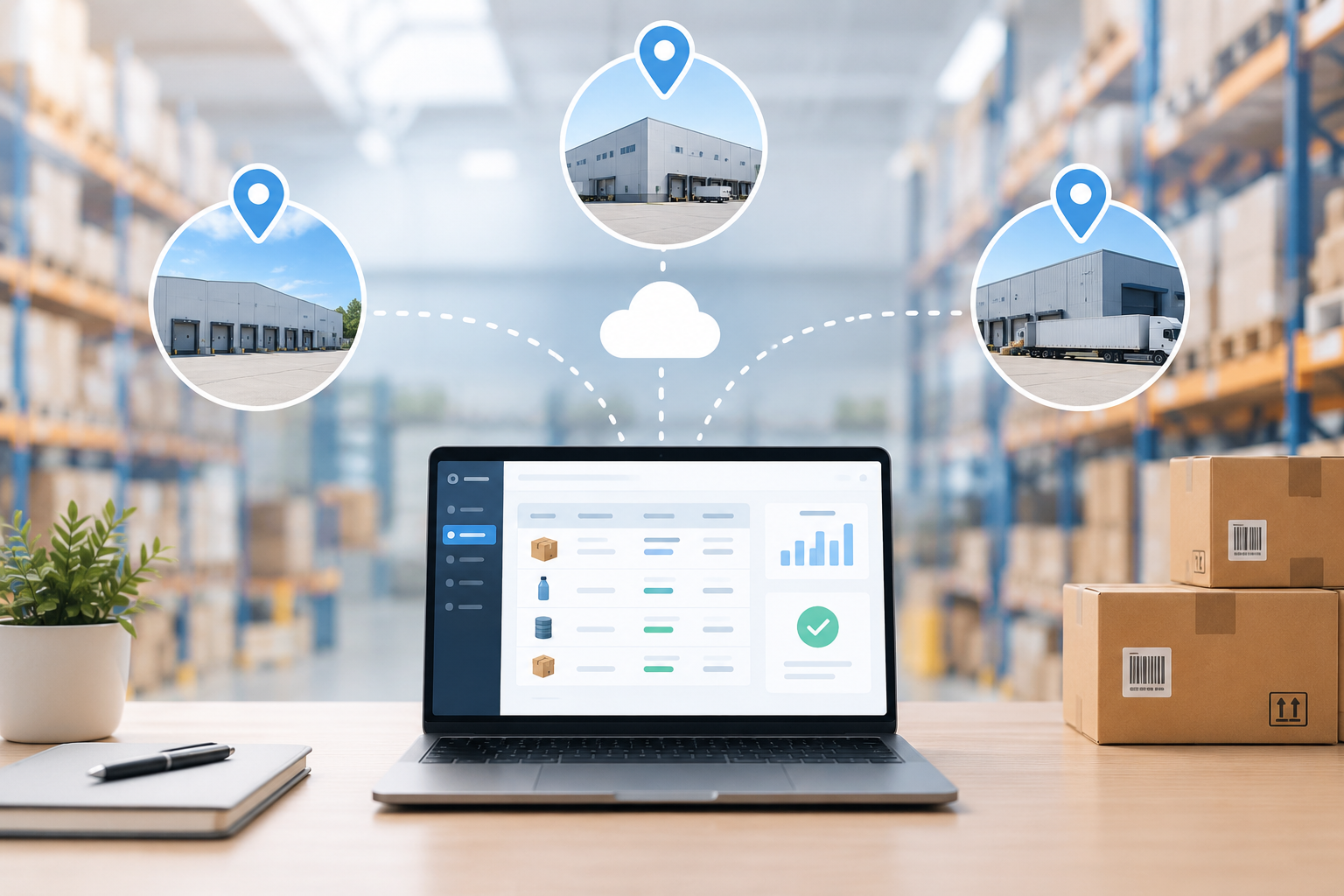
Keeping inventory accurate is relatively manageable when stock is stored in one location. The challenge grows when a business operates across multiple warehouses, distribution centers, or storage locations. Products are constantly being received, moved, picked, reserved, adjusted, and shipped, and every movement can affect inventory records.
Even a small error can create bigger problems. A warehouse may show that an item is available when it has already been moved elsewhere. A customer order may be accepted even though the required stock is not actually available. Procurement teams may also order more products while excess stock is sitting in another warehouse.
This is where inventory management software can make a difference. By bringing inventory information into one system, businesses can improve stock visibility, track inventory activity, and make better decisions across multiple locations.
Why Is Inventory Accuracy Difficult Across Multiple Warehouses?
Inventory accuracy is not simply about counting products correctly. It is about making sure the quantity shown in the system reflects what is physically available and where that stock is located.
When several warehouses are involved, inventory information can become difficult to maintain. Teams may use spreadsheets, separate warehouse records, ERP reports, emails, or manual updates to keep track of stock. When these sources are not updated consistently, differences can quickly appear.
Inventory transfers are another common challenge. Stock may leave one warehouse but not yet appear in the receiving location. If the movement is not recorded properly, both locations can temporarily show incorrect quantities.
Manual adjustments can create another layer of difficulty. Damaged, missing, returned, or misplaced products may require inventory changes, and those updates need to be recorded correctly.
As the number of locations and inventory movements increases, manual processes become harder to manage. A centralized inventory system can help bring these activities together.
1. Keep Inventory Information in One Place
When inventory information is maintained across spreadsheets, warehouse records, and separate systems, teams may spend unnecessary time checking which information is current.
Inventory management software provides a shared view of stock information across locations. This gives inventory managers a more consistent source of information without having to compare multiple records manually.
It also supports everyday decisions. Before purchasing more stock or moving products between warehouses, managers can review current inventory across locations and determine whether existing stock can be used first.
2. Know Exactly Where Your Inventory Is
Knowing the total quantity of an item is only part of the picture.
Imagine a company has 500 units of a product across five warehouses. One location has 250 units, another has 150, and the remaining stock is spread across three other warehouses. If one warehouse is running low, the total quantity alone does not tell the inventory manager what action to take.
Inventory needs to be visible by location. With multi-warehouse inventory management, teams can see where products are stored and how stock is distributed across warehouses. This helps them identify locations with low inventory, excess stock, or unexpected differences.
Better location-level visibility can also reduce unnecessary purchasing. If stock is available at another warehouse, the business may be able to transfer it instead of placing a new order.
3. Record Inventory Movements as They Happen
Inventory accuracy can change every time a product moves. Receiving goods increases stock. Shipping an order reduces it. A return changes the quantity again. Adjustments, damaged items, and other activities can also affect inventory records.
The longer these changes take to appear in the system, the greater the chance that decisions will be based on outdated information.
Inventory tracking software can help businesses record these activities more consistently. By making inventory updates part of normal workflows, teams can maintain more reliable records without adding unnecessary manual work.
The goal is to ensure that inventory information reflects actual activity as closely as possible.
4. Make Warehouse Transfers Easier to Track
Moving stock from one warehouse to another can create discrepancies if the transfer is not clearly recorded.
For example, Warehouse A sends 100 units to Warehouse B. The stock has left Warehouse A, but Warehouse B has not received it yet. During this period, teams need to know that the inventory is in transit rather than treating it as available at either location.
An inventory management system can record the transfer from the sending warehouse through to the receiving location. This gives inventory managers better visibility into what has left a warehouse, what has arrived, and what is still in transit.
It can also make discrepancies easier to investigate when the physical count does not match the system.
5. Use Regular Inventory Checks to Find Problems Early
Technology can improve inventory management, but physical checks are still important.
Products can be misplaced, damaged, incorrectly labeled, or recorded against the wrong item. Regular inventory checks help identify these issues before they affect larger operations.
Instead of waiting for a major annual stock count, businesses can use smaller, regular checks for selected products or locations.
The important part is what happens after a difference is found. Simply changing the quantity in the system may correct the number temporarily, but understanding why the discrepancy occurred can help prevent it from happening again.
For inventory managers, this creates a healthier process where inventory accuracy is continuously monitored rather than treated as an occasional exercise.
6. Make Inventory Availability Easier to Understand
Inventory managers often need to know more than how much stock is physically present. They also need to know how much is actually available for an order or other business activity.
For example, some inventory may already be reserved for customer orders, while other stock may be available for fulfillment. Without this distinction, teams may make commitments based on inventory that cannot actually be used.
Intelligent inventory management software can provide a clearer view of inventory availability across locations. This helps teams understand what is on hand, what is reserved, and what can be used to fulfill orders.
7. Connect Inventory With Procurement and Order Fulfillment
Inventory decisions are closely connected to other business activities.
Procurement teams need accurate stock information to determine when products need to be purchased. Sales teams need to know whether an order can be fulfilled. Warehouse teams need reliable information when picking and shipping products.
When these activities operate separately, teams may spend significant time checking and reconciling information.
An inventory solution that works with existing ERP, procurement, and order processes can help reduce this disconnect. Connected data allows teams to work from consistent inventory information and improve the flow from inventory planning to purchasing and fulfillment.
8. Use Automation for Repetitive Inventory Tasks
Not every inventory task requires manual attention.
Updating records, checking availability, tracking movements, and maintaining information across several locations can involve repetitive work. Automation can reduce some of this workload and make inventory processes more consistent.
AI-powered inventory management can take this further by helping teams identify unusual patterns, highlight potential inventory issues, and make inventory information easier to understand.
The value of AI is not simply having a modern feature. It is using smart technology to help inventory managers spend less time searching for information and more time acting on it.
For businesses managing large inventory volumes, these improvements can have a meaningful operational impact.
What Should You Look for in Inventory Management Software?
Choosing inventory management software should start with the problems your inventory team needs to solve.
If your business operates multiple warehouses, look for a solution that provides visibility across locations and supports everyday inventory activities without making processes unnecessarily complicated.
Important capabilities may include:
- Multi-warehouse inventory management
- Inventory tracking by item and location
- Inventory transfers
- Inventory availability checks
- Stock adjustments
- Order fulfillment
- Barcode support
- Inventory reporting
- ERP and procurement integrations
Ease of use should also be considered. A system can have many capabilities, but it needs to be practical for the people using it every day.
It is also worth evaluating how the software handles your existing inventory data and whether it can grow with your business as products, warehouses, and transaction volumes increase.
How SutiIMS Helps Improve Inventory Accuracy
SutiIMS gives businesses a centralized way to manage inventory across multiple warehouses and locations. Teams can track inventory, manage transfers, check availability, and support order fulfillment from one platform.
Its AI-powered capabilities and automated workflows can help reduce repetitive inventory work while giving teams better visibility into stock and inventory movements.
Whether the challenge is managing warehouse transfers, checking availability, or supporting fulfillment, SutiIMS brings key inventory activities together to help businesses maintain better inventory control.
Final Thoughts
Inventory accuracy becomes more difficult as businesses add warehouses, products, and inventory movements. Manual counts alone may not be enough to keep inventory records aligned with physical stock.
The right inventory management software can help businesses maintain accurate records, track stock across locations, and make better decisions based on current inventory information.
For organizations managing multiple warehouses, the goal is simple: know what you have, know where it is, and know what is available when you need it.
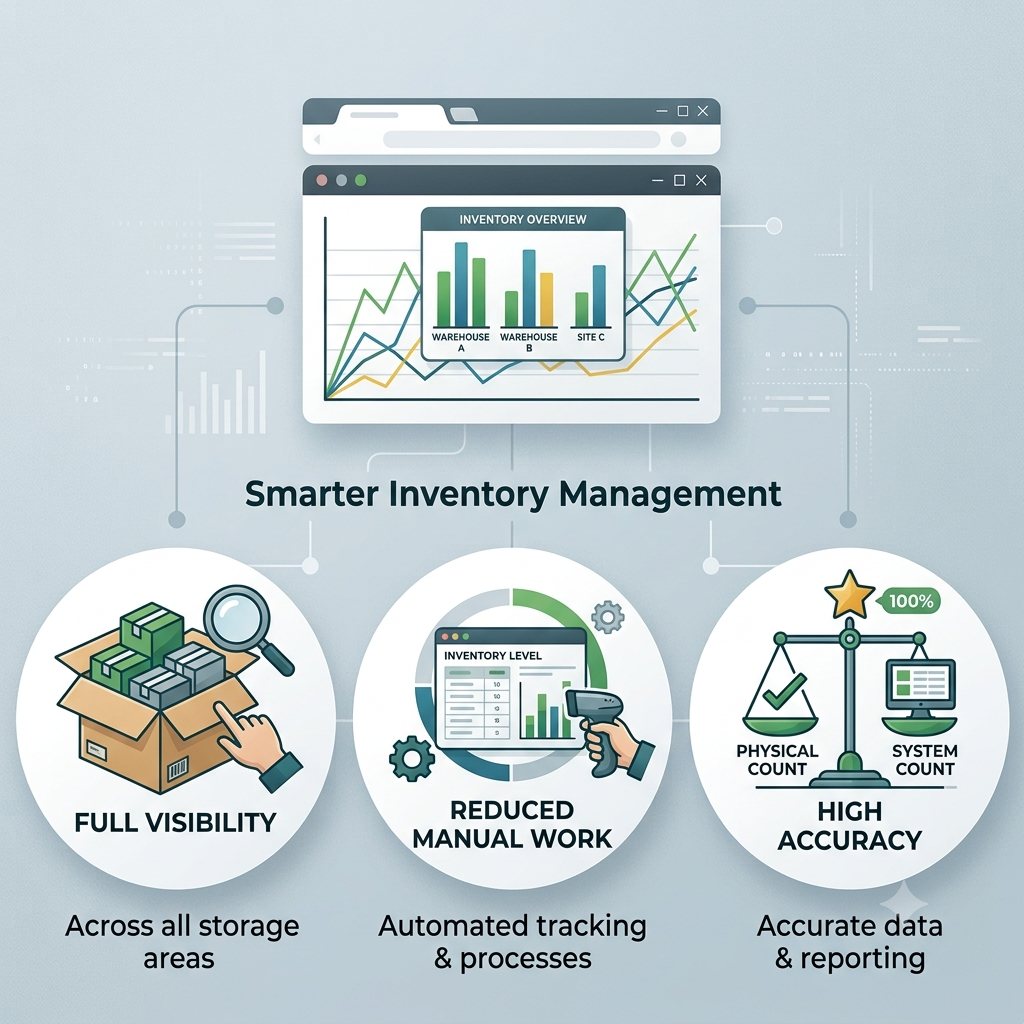
Want better visibility and control across your inventory locations?
See how SutiIMS can help your team manage inventory smarter, reduce manual work, and improve inventory accuracy.
FAQs
Inventory management covers planning, storing, tracking, and fulfilling inventory. Inventory control focuses on maintaining accurate stock levels within the business.
Yes. It helps growing businesses manage increasing product volumes and locations more efficiently than manual processes.
Many inventory systems support multiple units of measure for products purchased, stored, or sold in different quantities or packaging levels.
Implementation time depends on locations, inventory volume, data quality, integrations, and business requirements. Simple setups usually take less time.
Yes. It can provide reports on stock levels, movements, availability, discrepancies, and other inventory data.
Manufacturers, distributors, retailers, wholesalers, and other businesses handling physical products can benefit, especially those managing multiple locations.