The Problem with Manual Triage

As support volumes grow, manual ticket triage becomes a major bottleneck. Every new request must be reviewed, categorized, prioritized, and assigned before an agent can begin solving the customer’s problem.

When these tasks are performed manually, tickets often remain in queues longer than necessary, are assigned to the wrong agent, or require multiple reassignments before reaching the right person. During peak support periods, important requests can be delayed, leading to slower response times, missed SLAs, inconsistent service, and reduced customer satisfaction.

AI Ticket Automation removes these repetitive tasks so agents spend more time solving problems and less time organizing them.

How AI Ticket Automation Works

1

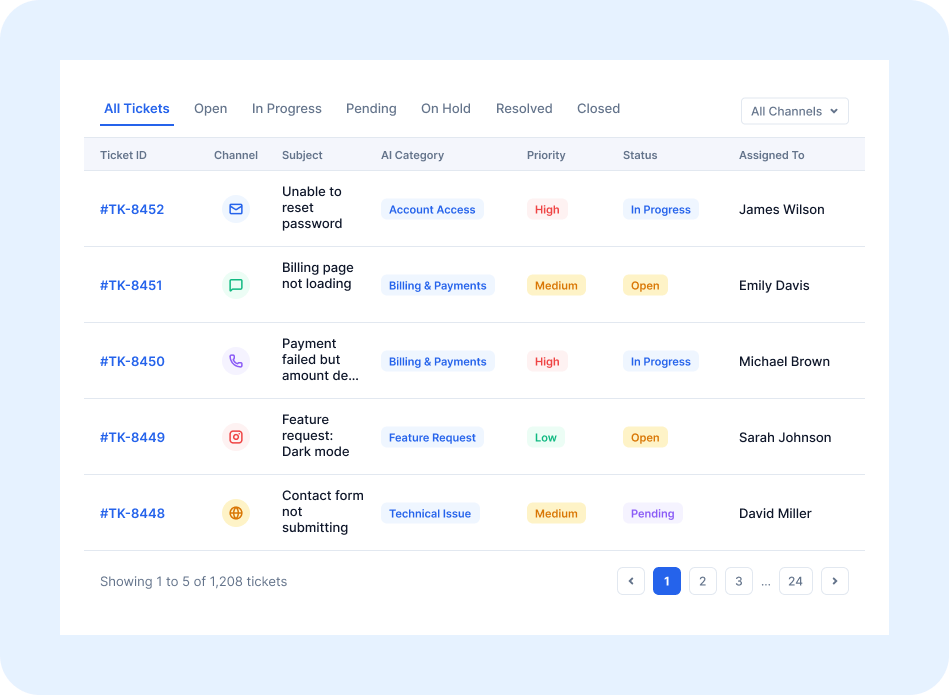
Customer requests from email, chat, web forms, customer portals, social media, or phone are automatically converted into support tickets.

2

SutiDesk AI analyzes the ticket’s content, language, sentiment, and context to understand the customer’s intent and urgency.

3

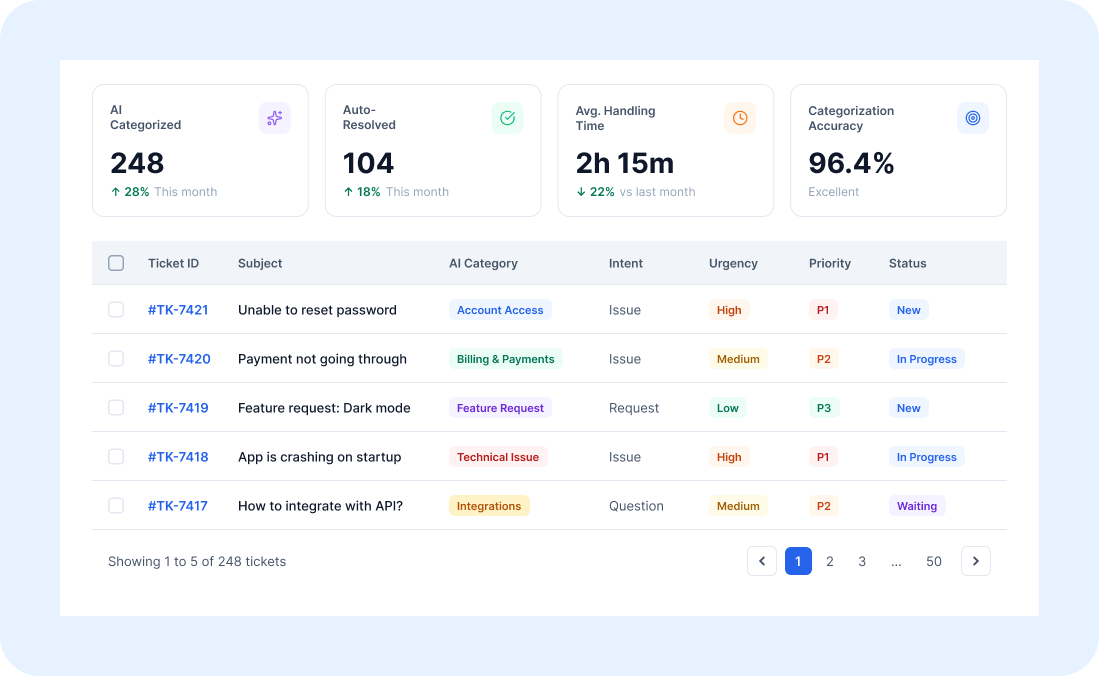
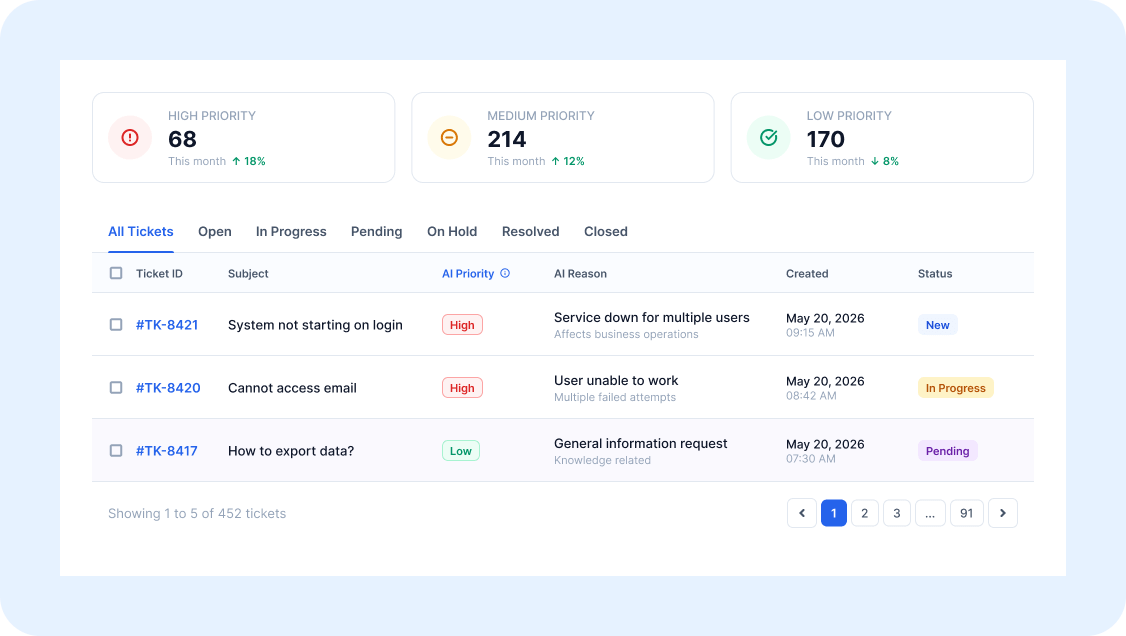
The system automatically assigns the appropriate category, priority, and ticket attributes.

4

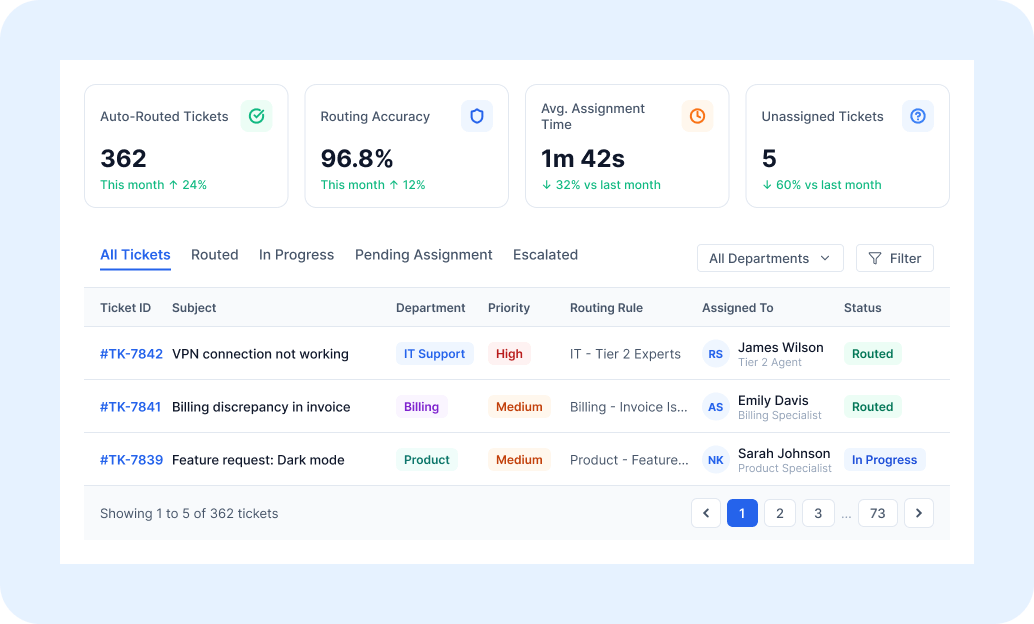
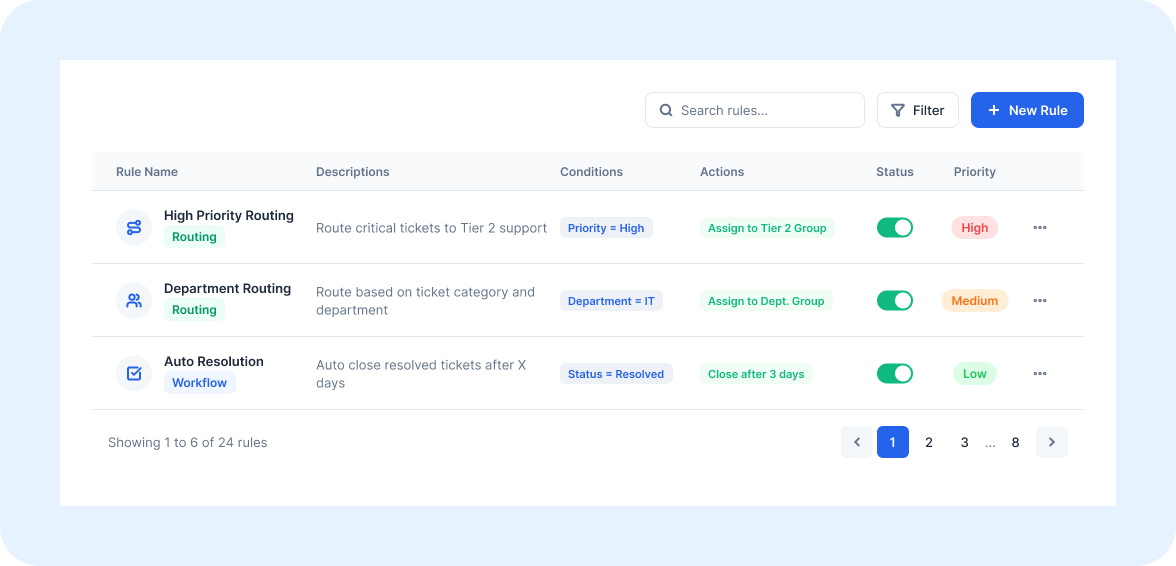
Intelligent routing assigns the ticket to the best-qualified agent or team based on skills, workload, availability, or custom business rules.

5

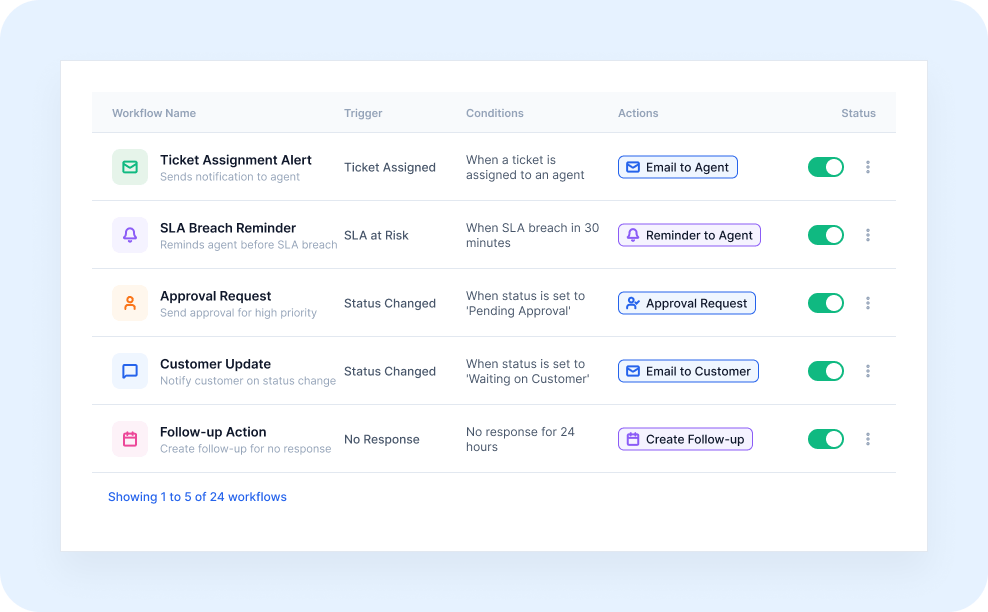
Automated workflows trigger actions such as escalations, notifications, approvals, reminders, and customer follow-ups.

6

Agents receive tickets that are already prioritized, categorized, and assigned—allowing them to begin resolving issues immediately.

Key Features

Intelligent Ticket Categorization

Every incoming ticket is automatically classified based on customer intent, issue type, urgency, and business rules, eliminating manual sorting and reducing delays.

Smart Routing to the Right Agent

AI matches each ticket with the most appropriate agent or team using configurable routing logic, reducing unnecessary transfers and accelerating resolution.

Automated Priority Assignment

Urgent requests are identified immediately and assigned to the appropriate priority level, helping teams focus on the issues that matter most.

SLA-Aware Escalations

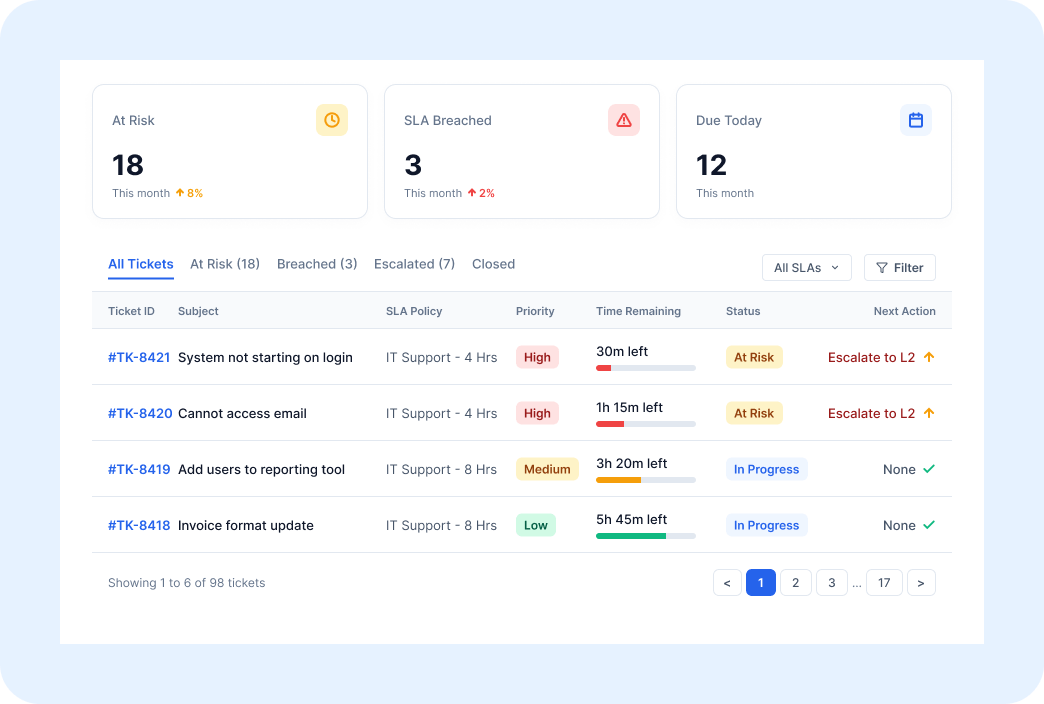
High-priority or aging tickets are automatically escalated before service level agreements are at risk, helping teams maintain compliance without constant monitoring.

Automated Notifications and Follow-Ups

Customers and internal stakeholders receive timely updates throughout the ticket lifecycle, improving communication while reducing manual effort.

Consistent Automation Across Every Channel

Regardless of where customers submit requests, SutiDesk applies the same AI-driven categorization, routing, and workflow automation to deliver consistent customer support.

Flexible Automation Rules

Configure routing rules, escalation paths, priorities, and workflows to match your organization’s support processes. As your business evolves, your automation can evolve with it.

How It Makes a Difference

Example Use Case

A growing SaaS company receives hundreds of support requests every Monday through email, live chat, and its customer portal. Previously, multiple agents spent the first hour of every shift manually reviewing, categorizing, and assigning tickets.

With SutiDesk AI Ticket Automation, every request is analyzed the moment it arrives. Billing inquiries are automatically prioritized, technical issues are routed to the appropriate specialists, and VIP customer requests are escalated immediately. Agents begin each shift with an organized, prioritized work queue, allowing them to focus on resolving issues instead of sorting them.

See How Sutidesk AI Ticket Automation Helps Your Support Team Work Faster, Scale More Efficiently, and Deliver Exceptional Customer Experiences

Frequently Asked Questions

Yes. SutiDesk automatically categorizes, prioritizes, routes, and processes support requests from email, live chat, web forms, customer portals, social media, and phone interactions using the same AI-powered workflow.

SutiDesk uses configurable routing rules based on agent skills, workload, availability, ticket category, priority, department, and other business criteria to assign every ticket to the most appropriate resource.

Absolutely. Support managers can configure routing rules, escalation policies, workflow triggers, notification rules, priorities, and assignment logic to match their organization's unique support processes.

No. AI automates repetitive administrative tasks such as categorization, prioritization, routing, and workflow management. Human agents remain responsible for resolving customer issues, making decisions, and delivering personalized support.